Adding Individual Members as Sponsors and Cosponsors
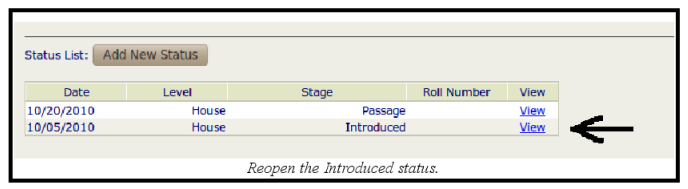
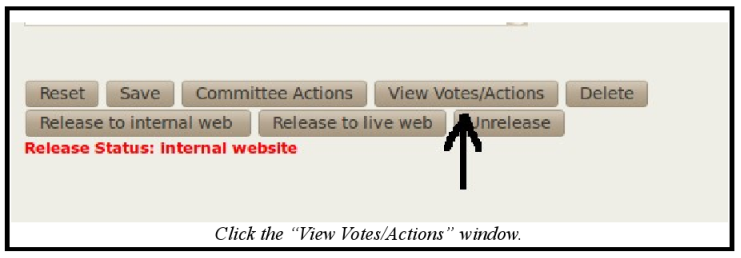
To add sponsors and cosponsors, reopen the introduced status, open the Votes/Actions window, and individually add them from the full list of legislators at the bottom of the screen. Here is an example:
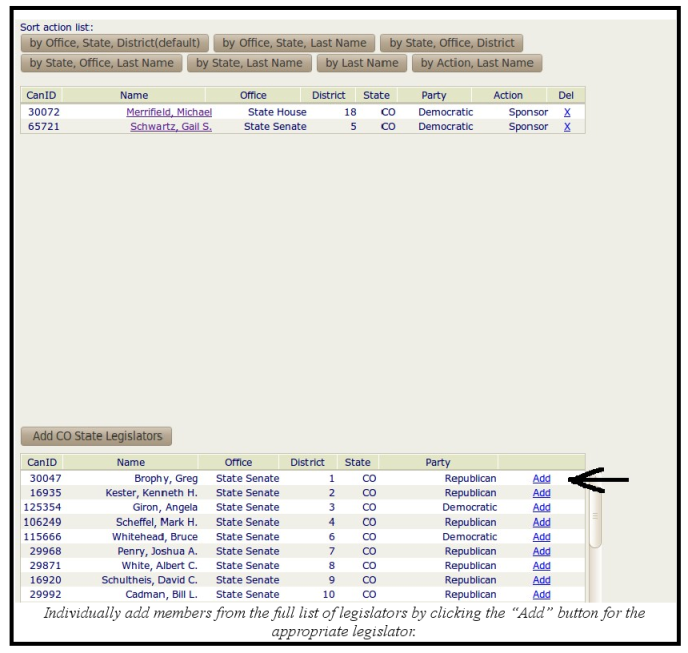
When adding individual members in the Votes/Actions window, the default selection is co-sponsors. However, this can be changed to sponsor. Refer to the amending individual members as sponsors and cosponsors section of this addendum. Once a member has been added as a sponsor or cosponsor, it is automatically saved.
